
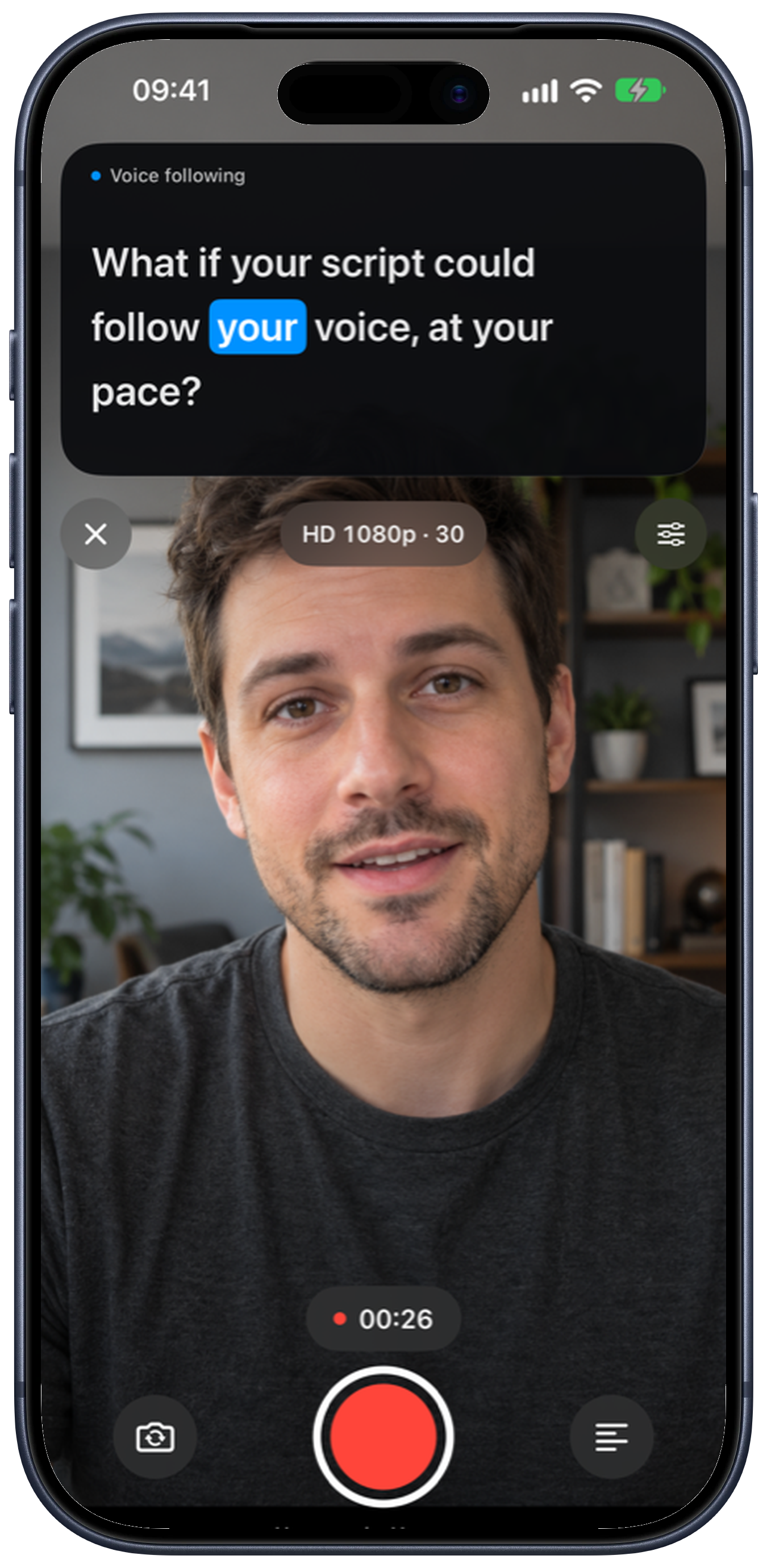
Read from the lens. Not from memory.
A voice-following teleprompter for rehearsal and recording, now in device testing.
Take your time. Pause on a thought. Then pick up where you left off.
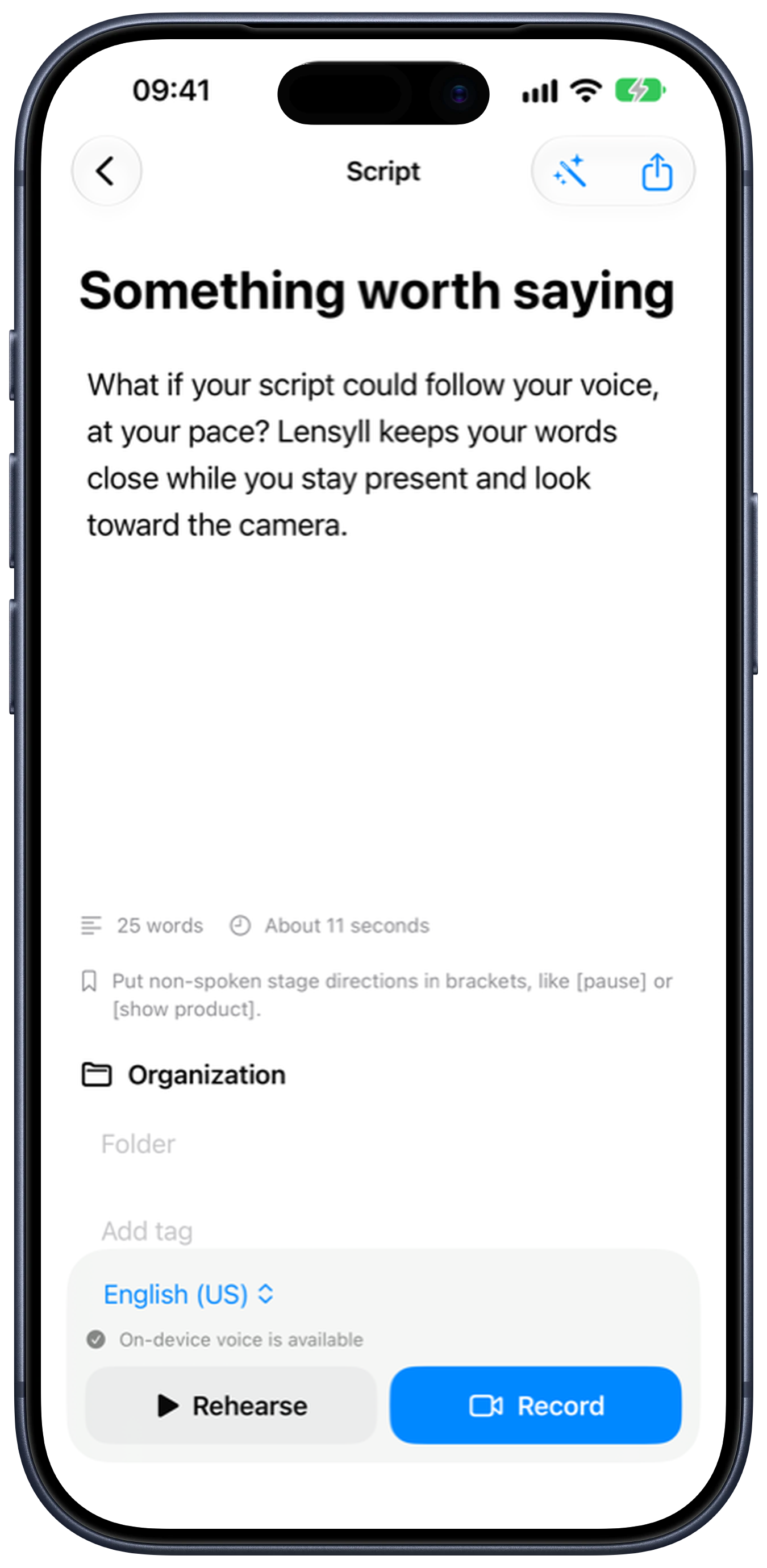
Start with your words.
Write or import a script. Give it a language, then choose Rehearse or Record without moving it to another tool.
- Bring a script
- Plain text, Markdown, PDF, RTF or DOCX import.
- Keep the draft
- Edit, duplicate and organize scripts in your local library.
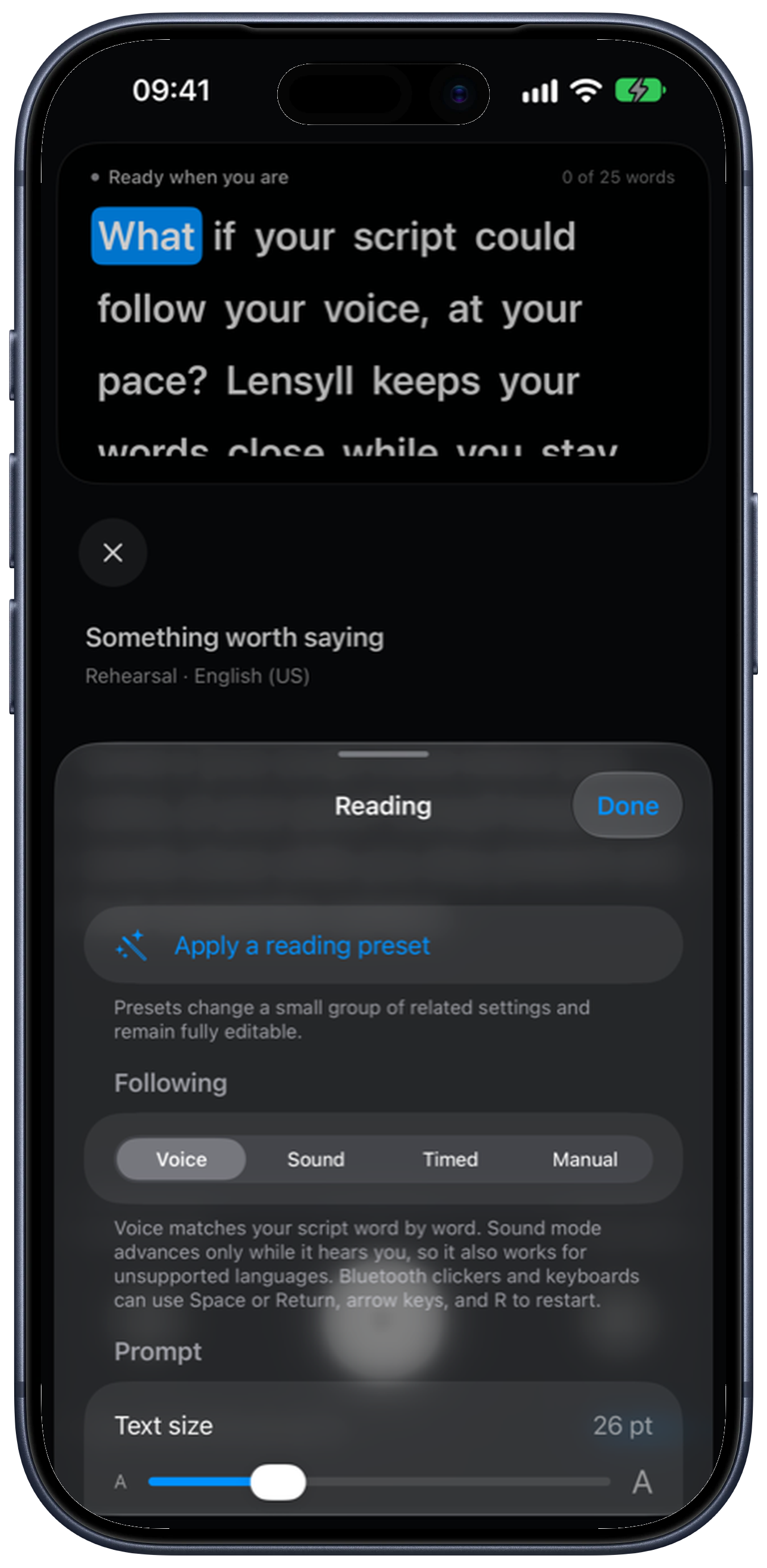
- Choose a mode
- Voice, timed, sound-gated or manual following.
Pause. The cue holds its place.
Previously spoken words recede. The next word stays marked near the camera. Tap a word to find your place again.
Speak at your pace; the cue does not race a timer.
Switch to timed, sound-gated or manual following when voice is unavailable.
A take you can finish.
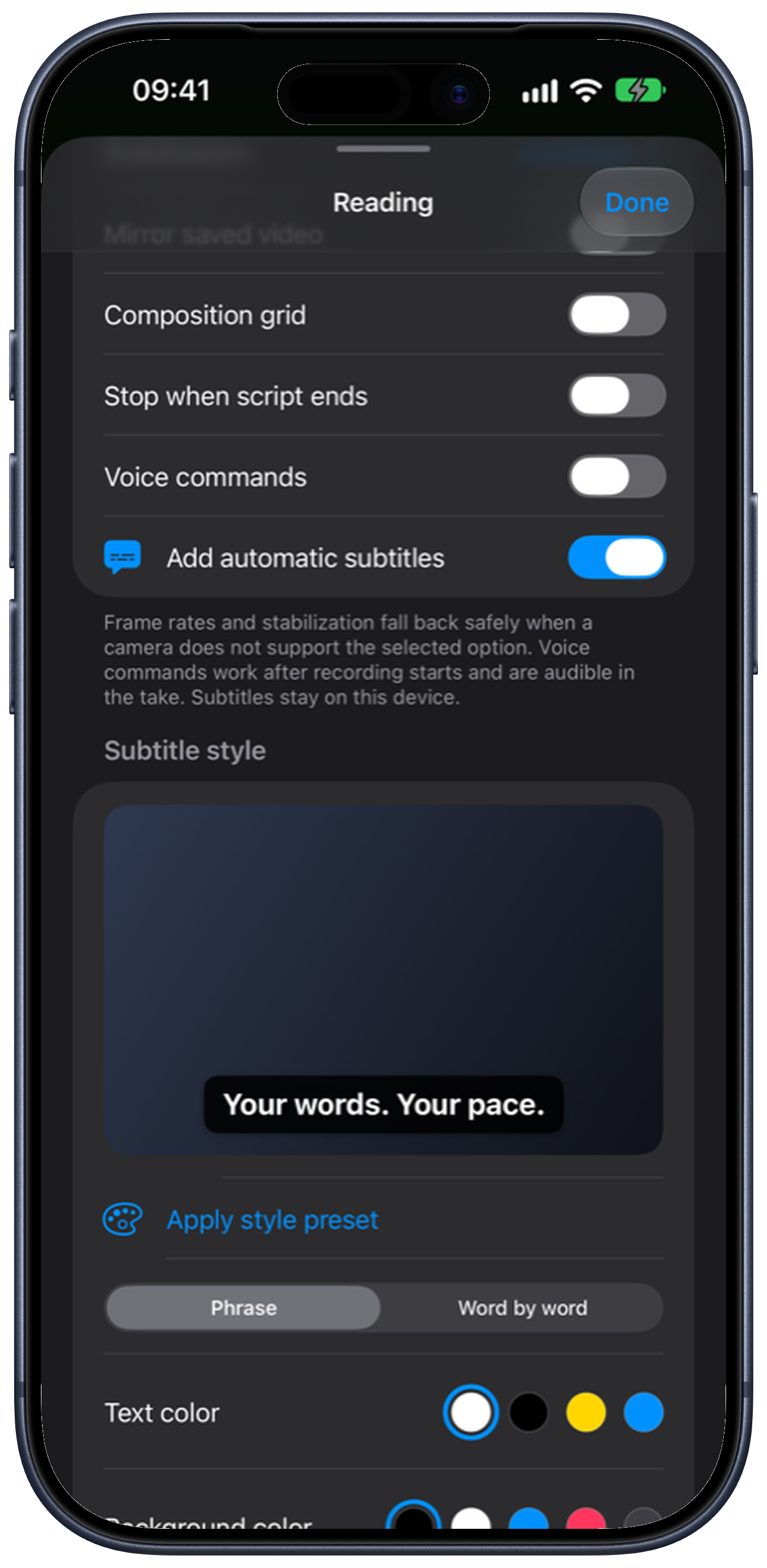
Review the recording, correct caption text and timing, and export from the original when it is available.
Clean or captioned video
Non-destructive trim and social crops
SRT and VTT subtitle files
Your script stays yours.
Scripts and takes are stored on your device. There is no account, no ads and no tracking SDK.
Voice following uses on-device recognition where your language, device and installed speech assets support it. Manual and timed reading remain available.
Read the privacy policyDownload Lensyll.
For iPhone and iPad.

